Tango
Automatically capture screenshots for training guides
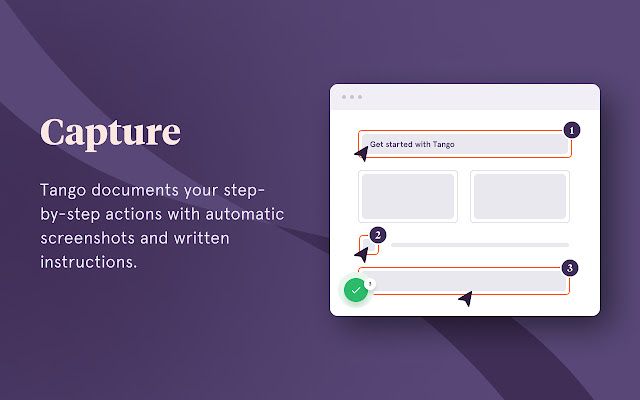

Tango is a Chrome extension that automatically captures step-by-step screenshots, in seconds. It captures your workflow by generating screenshots and automated descriptions of even your most complicated processes.
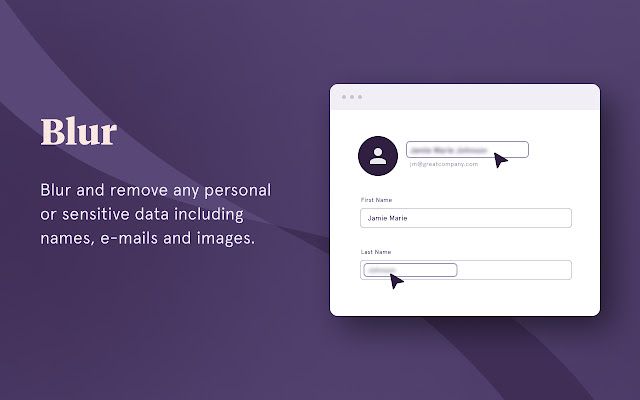
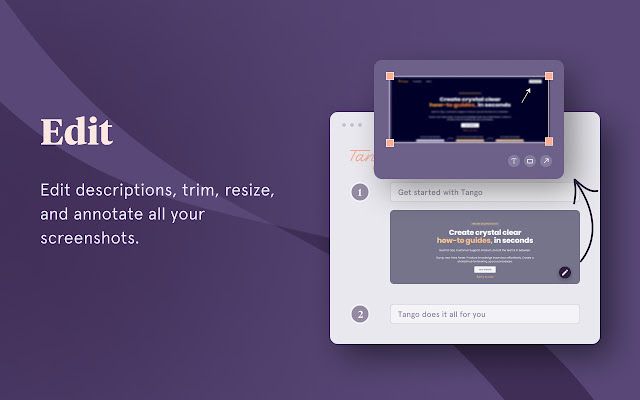
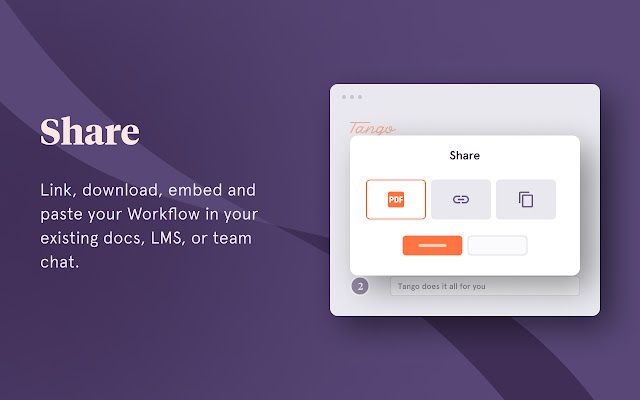
Users can make edits, add highlights to screenshots, and blur sensitive information. Users can also share workflows as a web page, PDF, or integrate it with your existing tools. The Magic Copy feature lets you paste a Tango into the tools your team already uses. Try it out on Confluence, Google Docs, Notion — wherever your team shares knowledge. This is great for onboarding, standard operating procedures, and product help documents.