
ShareSmart
Blur and Annotate on any webpage while screen sharing or recording
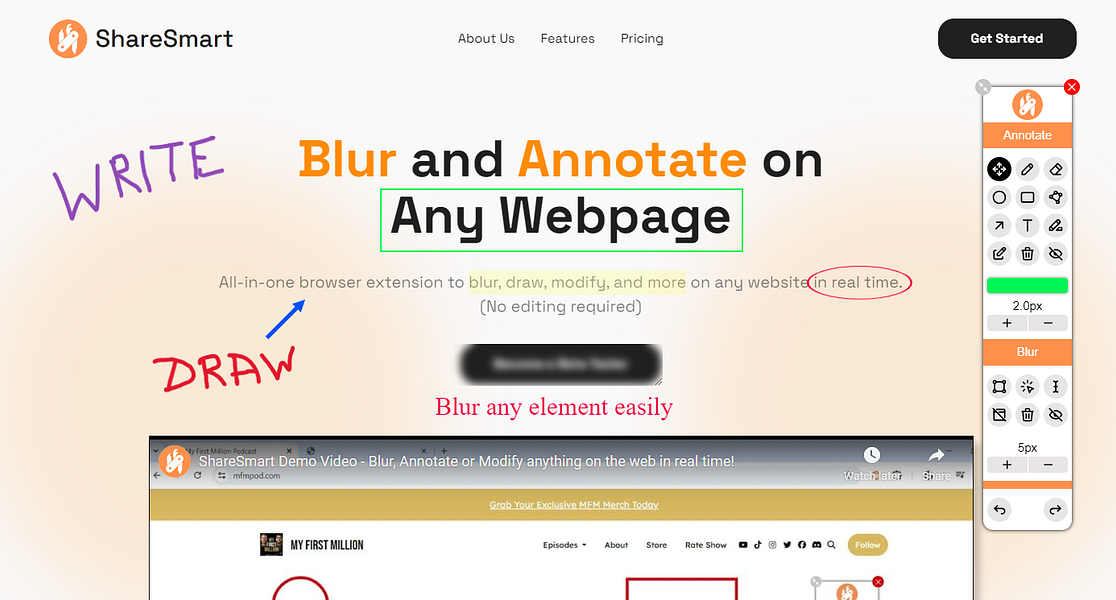
ShareSmart; Protecting sensitive information and highlighting key points in today's virtual world shouldn’t be a hassle. Yet, many existing tools for blurring and annotating are clunky, expensive, and inefficient, slowing down productivity.
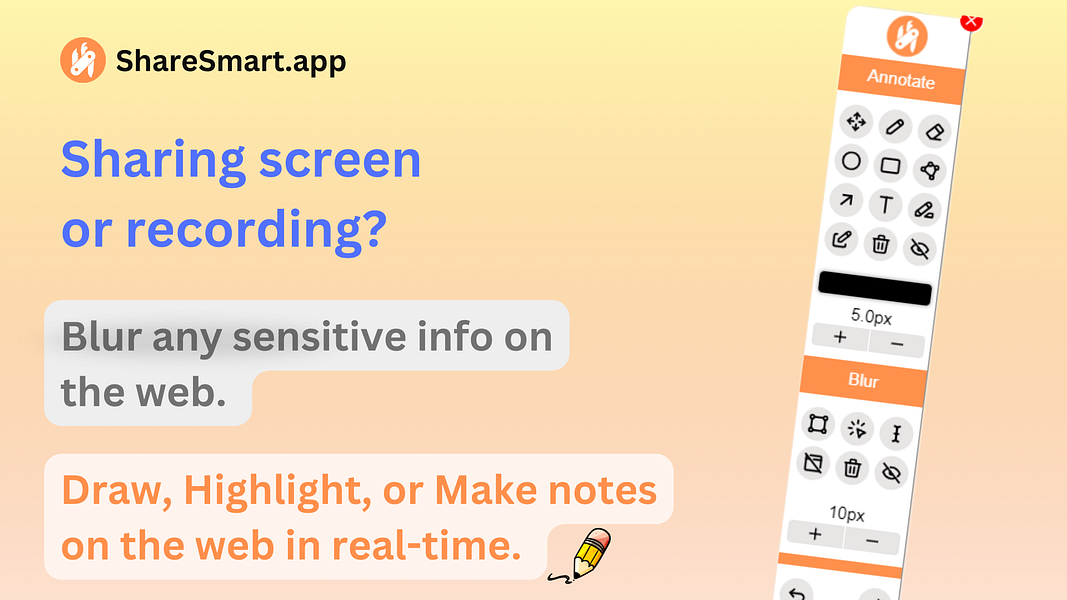
The Solution: ShareSmart, the all-in-one browser extension designed to help you: - Blur sensitive information instantly. - Annotate live on any webpage to emphasize key ideas or guide your audience’s focus. - Modify text or images on a website to try new ideas, replace sensitive content, and provide more context. With this, every interaction becomes secure, engaging, and visually impactful—making it the go-to tool for anyone who works online.
More like ShareSmart
Startups doing something similar, featured in the last two years


Capture, edit, and manage screenshots — all stored safely on your device

Scrolling Screenshots for macOS – Capture Long Pages Effortlessly


Smart document sharing with real-time analytics.

Professional Whiteboarding Made Simple

The Screenshot API when reliability matters

One inbox for WhatsApp, Telegram, Instagram, email, and sales CRM

Turn any video into an SOP in seconds

Turn screenshots into editable elements, drag, drop, and restyle on mobile

Visual feedback tool for websites, images, and PDFs – simplified

Create your slides, videos with ease