Back to all startups

Download & Edit All Images

Chrome extension to download & edit all images on any website
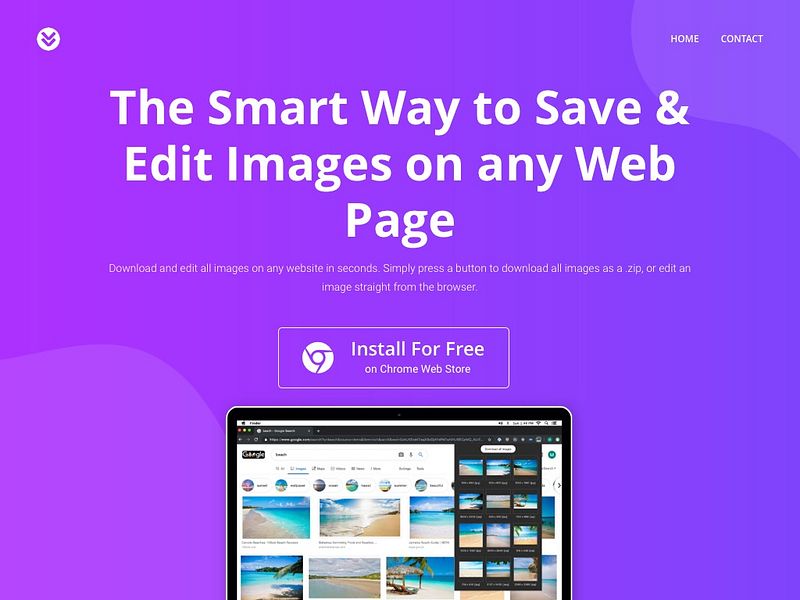
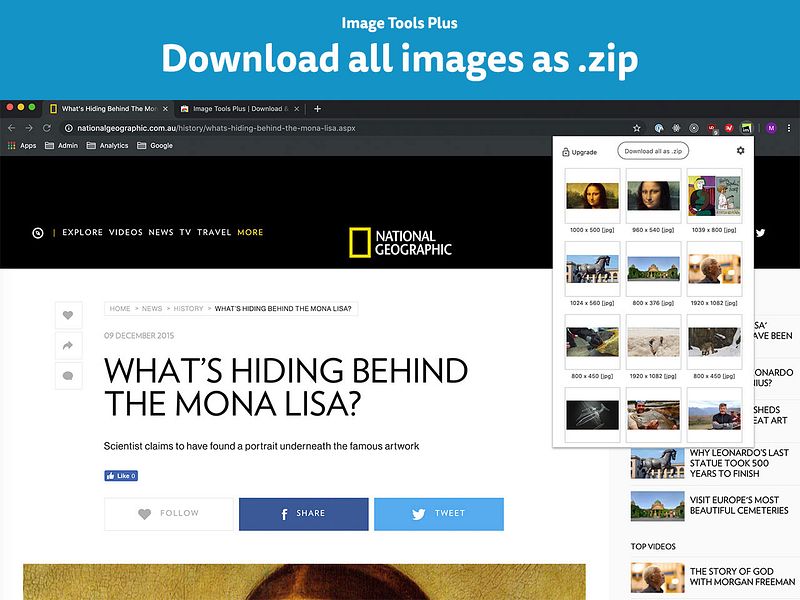
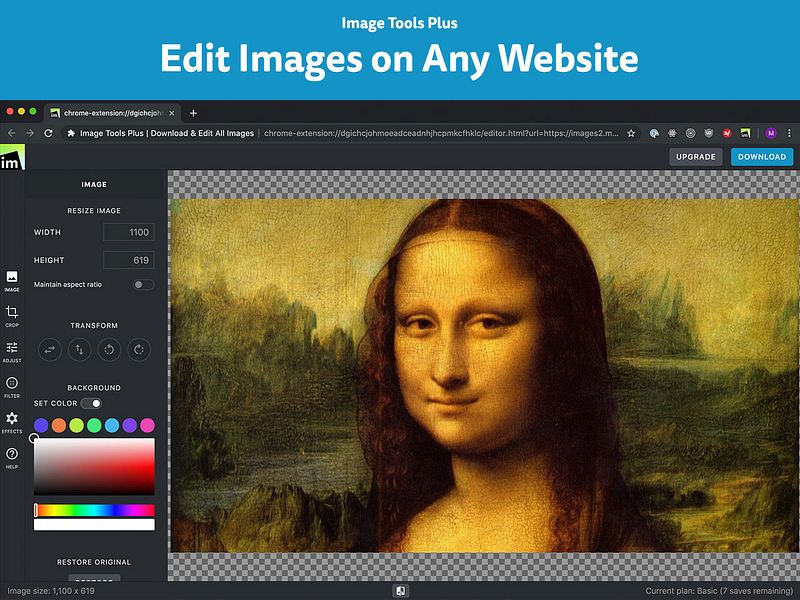
Image Tools Plus is a Chrome extension to download and edit all images on any website.

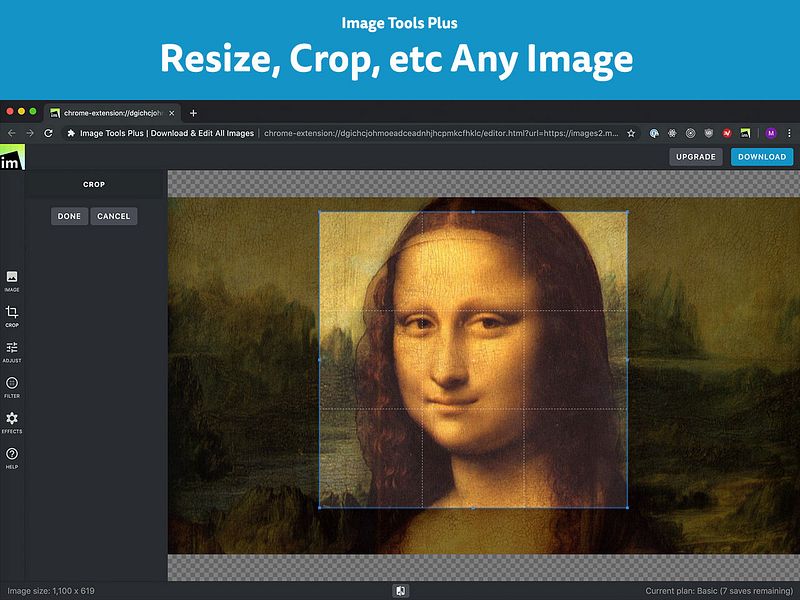
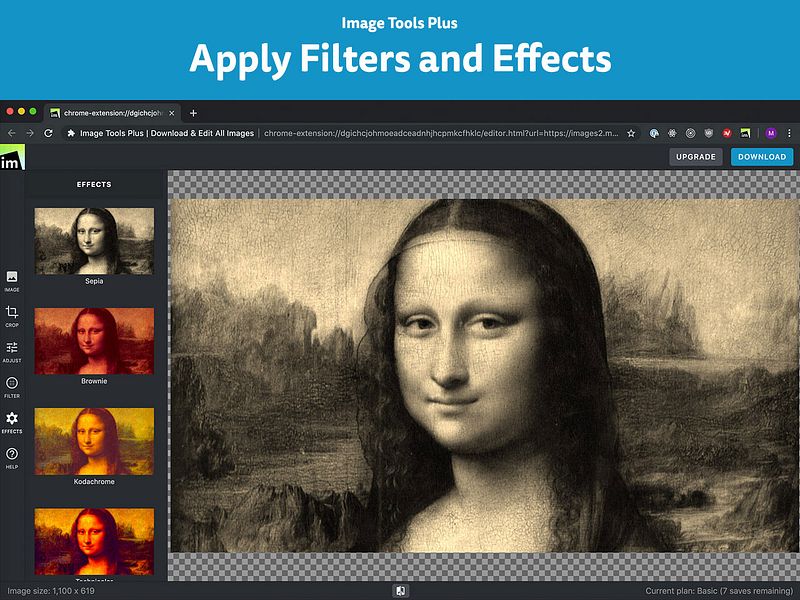
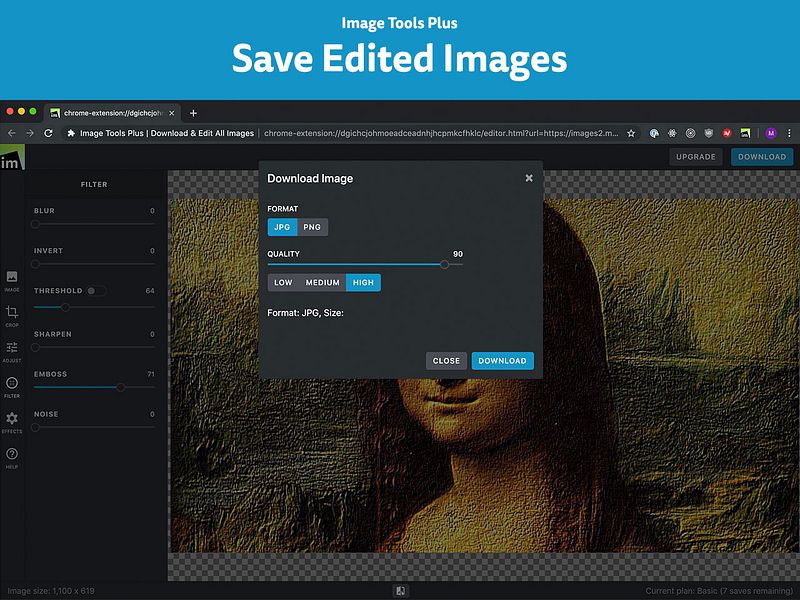
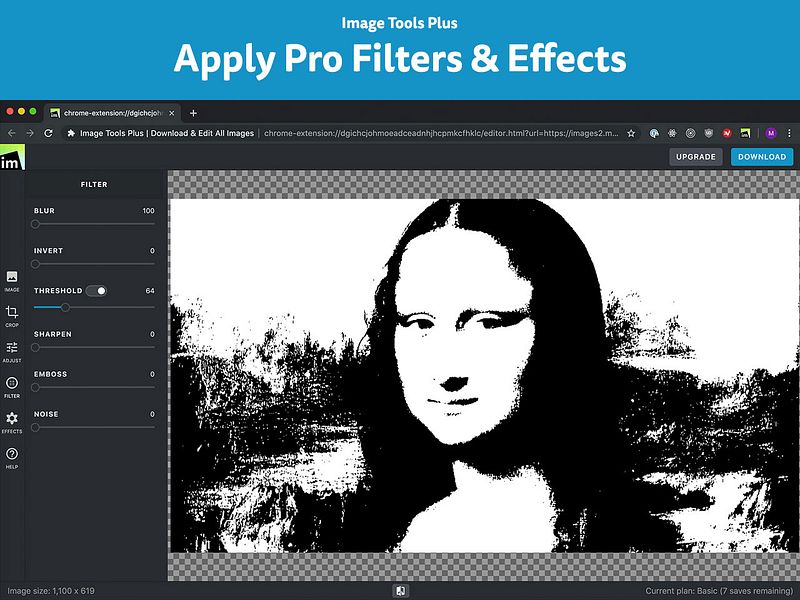
Go to any website and save all images as a .zip file. Easily save photos from Instagram, Google Images, etc. Image Tools Plus handles all common image formats, incl. JPG, PNG, SVG, Base 64 encoded images, background images, etc. You can also select any image on any website and edit it directly in your browser. Resize or crop images, apply adjustments, effects and filters.

Discover startups similar to Download & Edit All Images

EditItAll Edit photos, vectors, PDFs, and images privately in your browser
Photo Merge Tool Merge Images & Edit in one click
Nodlume BOOSTED Plan React apps on a visual canvas and export ready project files
BeartIMAGE Edit, compress, and convert photos privately in your browser
Simpedit Simpedit is a powerful image transformation tool
EazyStudio Edit, convert, and compress files in your browser with 80+ tools
Structura BOOSTED Publish 3 SEO-optimized blog posts a day, hands-off
URL to Any An All-in-One Web Content Conversion Tool