
ExtraDock
Create multiple customizable docks across all your Mac screens
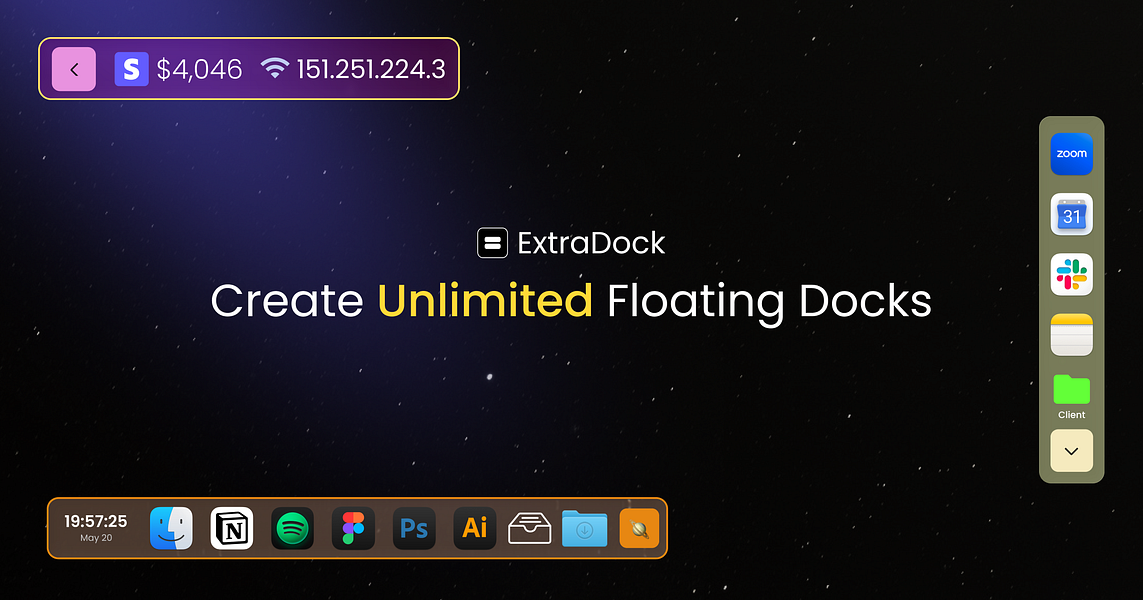
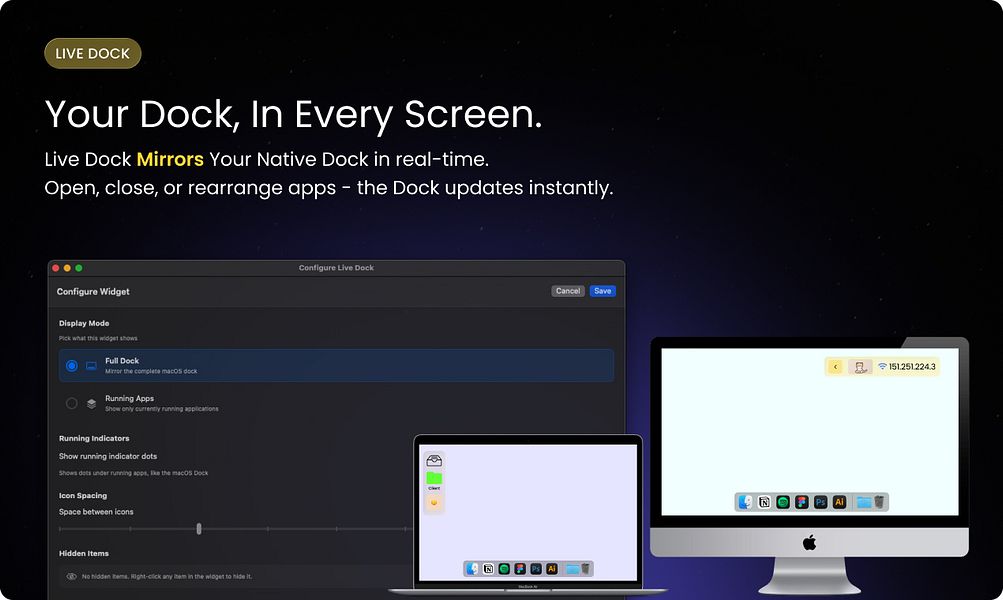
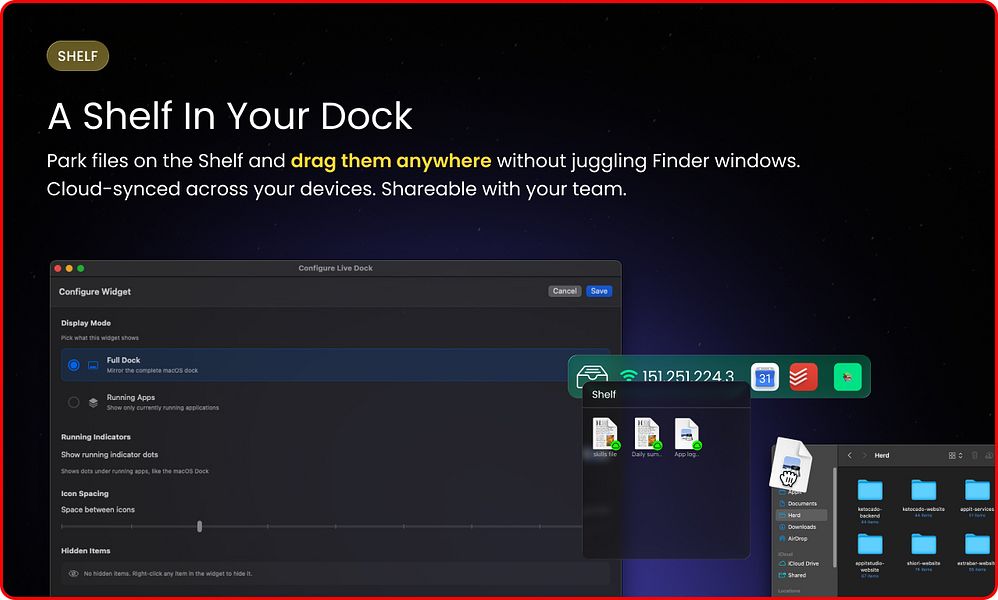
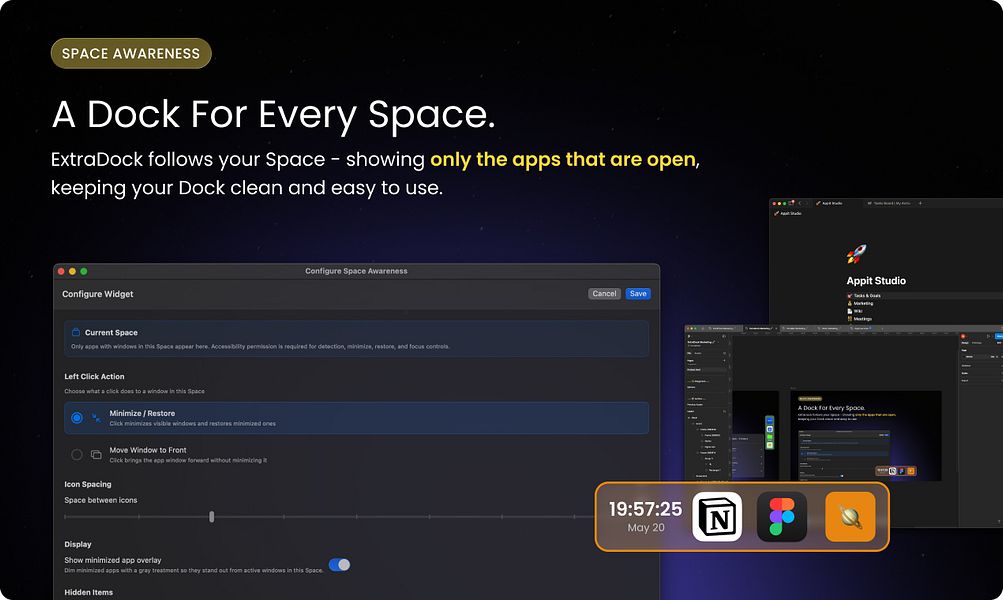
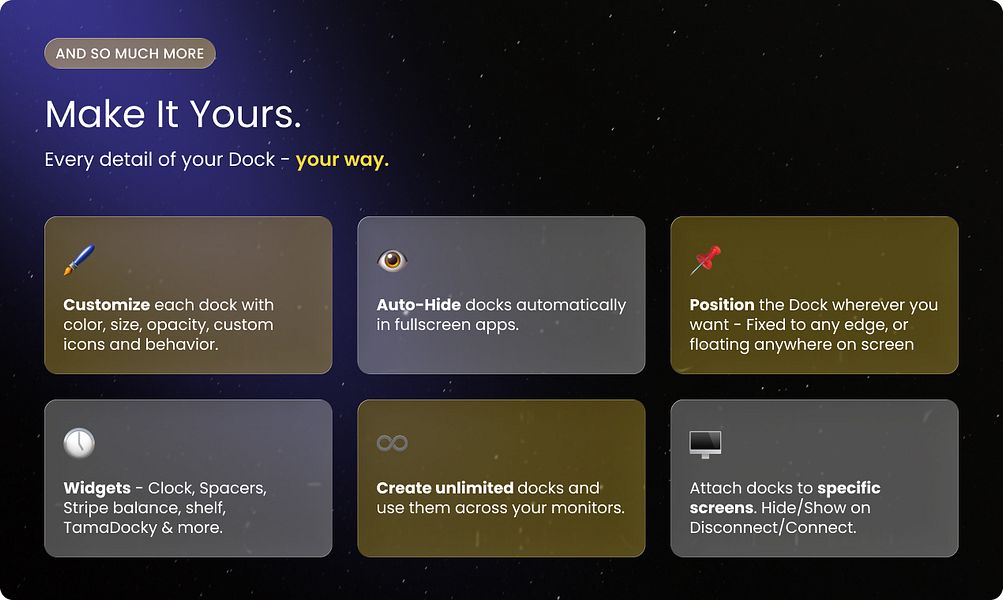
ExtraDock lets you create multiple lightweight docks on macOS and place them anywhere across your displays. You can customize each dock's colors, size, icons, and behavior. Choose horizontal or vertical layouts that snap to edges or float freely. Use widgets like Live Dock to mirror the native Dock and Dock Awareness to show apps by Space. Assign docks to specific monitors and set them to auto-hide or collapse to a button. You can replace the native Dock entirely or run them side by side for a faster workflow.
More like ExtraDock
Startups doing something similar, featured in the last two years


Save dock presets on macOS and switch between them instantly.

One-click copy buttons that help teams reuse text instantly

Practice sales calls with AI buyers and get instant coaching

Work with your team and agents in a shared live AI workspace

AI support agent, unified inbox, help center, and announcements

Attaches to any display, adds autorotation for a versatile, dynamic setup


Scrolling Screenshots for macOS – Capture Long Pages Effortlessly

Manage hybrid desks with live floor plans and easy team booking

Design one panoramic set of App Store screenshots in your browser

Free Mac app showing your AI agents as desks in a calm 3D office